
Difference Between CPU and GPU: Which One Drives PC Performance
The difference between CPU and GPU plays a major role in how fast and smooth your computer performs. From gaming and video editing to everyday browsing and office work, these two processors work together to power every task. As modern systems handle more complex workloads like 4K video and AI applications, understanding how CPUs and GPUs differ becomes more important than ever.
A CPU handles general computing tasks and controls how your system operates. It focuses on logic, instructions, and managing software efficiently. A GPU, on the other hand, specializes in processing many tasks at the same time, making it ideal for graphics rendering, video processing, and heavy parallel workloads. While both are essential, they serve very different purposes inside a computer.
Today, computing also includes newer processors like NPUs that focus on AI tasks, but the CPU and GPU remain the foundation of most systems. Knowing the difference between CPU and GPU helps you choose the right hardware for gaming, content creation, or AI work. When you understand how these components work, you can build or upgrade a system that delivers the performance you actually need.
What is a CPU and What Does it Do?
A CPU, or Central Processing Unit, is the main processor that controls how your computer runs. It handles instructions, calculations, and decision-making that allow programs and the operating system to function properly. Core count shows how many tasks the CPU can process at once, while clock speed determines how fast those tasks run. Threads help each core handle multiple operations efficiently, and cache stores frequently used data to reduce delays and improve system responsiveness.
The CPU performs best in tasks that need fast logic and control rather than heavy visual processing. It manages game logic, character behavior, and physics in games. It also handles multitasking, background processes, and system operations like loading programs and managing memory. Single-threaded tasks and everyday computing rely heavily on strong CPU performance for smooth and reliable operation.
What is a GPU and What Does it Do?
A GPU, or Graphics Processing Unit, is a processor designed to handle visual data and complex calculations at very high speed. Unlike a CPU, a GPU contains thousands of small cores that work in parallel, allowing it to process many tasks at the same time. Memory bandwidth plays a key role in how quickly the GPU can move data, while shaders handle lighting, textures, and visual effects that bring images to life on your screen.
The GPU excels in tasks that require heavy parallel processing. It powers gaming graphics, 3D rendering, and visual effects in movies and animations. It also plays a major role in AI workloads and machine learning by accelerating large data computations. Video encoding and decoding rely on GPU power as well, making it essential for streaming, editing, and content creation.
Difference Between CPU and GPU
Understanding the difference between CPU and GPU becomes easier when you compare how they process tasks, use power, and affect system cost and upgrades.
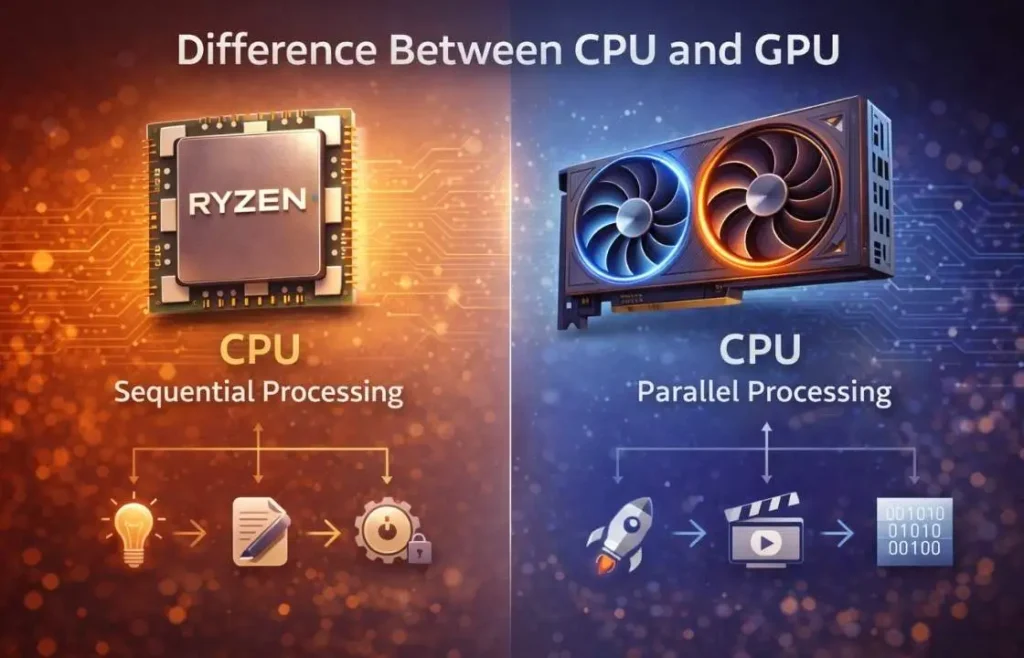
Performance Style: Sequential vs Parallel Processing
A CPU processes tasks in a sequential manner, meaning it handles instructions one after another with high accuracy. This makes it ideal for system control, logic-based tasks, and software operations that require precise timing. A GPU uses parallel processing, which allows it to execute thousands of small tasks at the same time. This is why GPUs excel in graphics rendering, video processing, and other workloads that benefit from massive parallel computation.
Power Consumption and Heat
GPUs consume more power than CPUs because they operate many cores at once and move large amounts of data continuously. This high workload generates more heat, which is why GPUs need advanced cooling systems. CPUs usually draw less power and generate less heat, making them easier to cool and more efficient for everyday tasks.
Cost and Upgrade Factors
High-end GPUs often cost more than CPUs due to their complex design and large memory requirements. Upgrading a GPU usually results in a bigger improvement in gaming and visual performance, while upgrading a CPU improves multitasking and system speed. Knowing when to upgrade each one helps you get the best value for your money.
CPU vs GPU for Different Use Cases
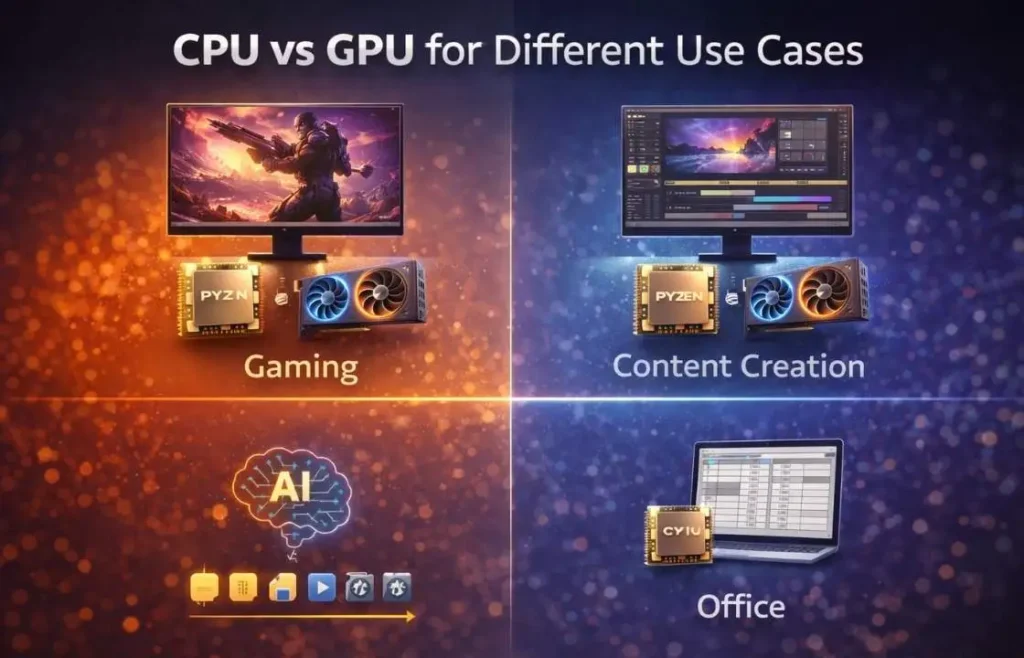
The difference between CPU and GPU performance depends largely on how you use your computer. Some tasks rely more on processing power, while others depend on graphics performance. Understanding this helps you choose the right hardware for your needs.
Gaming Performance
In gaming, difference between CPU and GPU play important roles, but the GPU usually matters more for frame rates and visual quality. The GPU renders graphics, textures, and effects, which directly affect how smooth and detailed a game looks. The CPU supports this by handling game logic, physics, and background processes. For most modern games, investing more in a strong GPU delivers better results, while the CPU ensures stability and smooth frame pacing.
Content Creation and Editing
Creators need both a strong CPU and GPU to work efficiently. The CPU handles tasks like video timelines, file compression, and multitasking between applications. The GPU accelerates rendering, visual effects, and real-time previews. Without a capable GPU, rendering becomes slow. Without a strong CPU, editing software struggles with responsiveness. Balanced hardware is key for smooth creative workflows.
AI and Machine Learning
AI and machine learning workloads depend heavily on GPUs because of their ability to process many calculations at the same time. Training models and running neural networks require massive parallel computing, which GPUs handle far better than CPUs. While the CPU still manages system operations, the GPU does most of the heavy work in AI tasks due to its high compute power and memory bandwidth.
Office and Daily Computing
For everyday tasks like browsing, document editing, and media playback, the CPU matters most. These tasks rely more on fast response times and efficient system control than on graphics power. Integrated graphics are usually enough for office work, making a strong GPU unnecessary for basic computing needs.
How CPU and GPU Balance Unlocks True Performance
A powerful system is not built by choosing the most expensive parts alone. True performance comes from balance. When the difference between CPU and GPU work well together, your PC runs smoother, faster, and more efficiently. Even high-end hardware can underperform if the parts do not match each other properly.
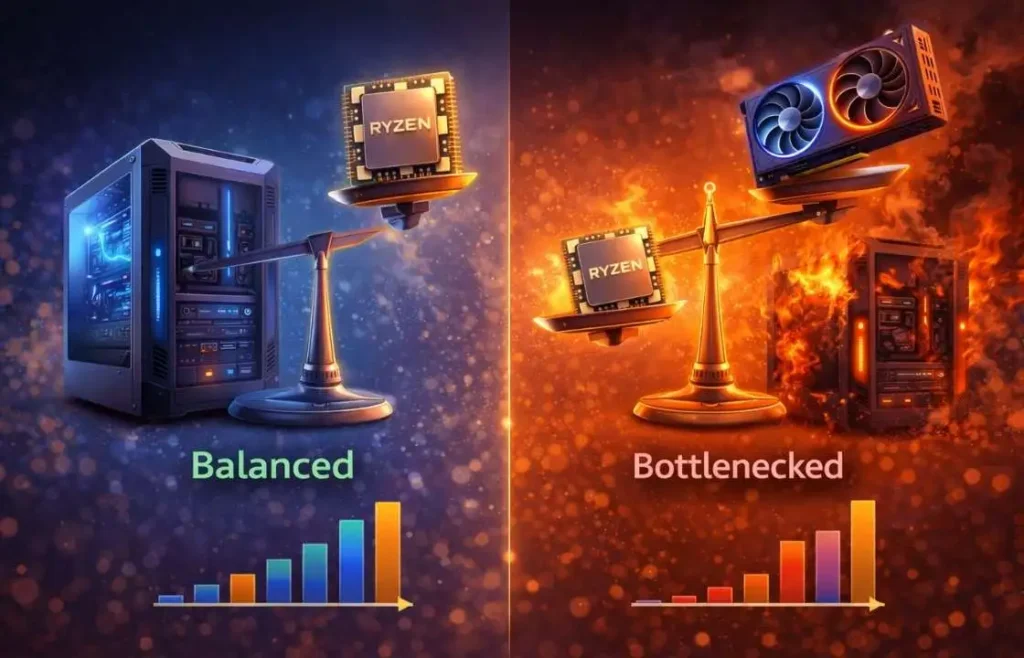
What Happens When One Bottlenecks the Other
A bottleneck occurs when one component limits the performance of the rest of the system. For example, a powerful GPU paired with a weak CPU can cause low frame rates and stuttering because the processor cannot feed data fast enough. On the other hand, a strong CPU paired with a slow GPU results in poor graphics performance and wasted processing power. In real-world use, bottlenecks lead to uneven frame times, slow loading, and unstable performance, even if the system looks powerful on paper.
How to Build a Balanced System
Building a balanced system means matching performance tiers instead of mixing extreme parts. A mid-range CPU should pair with a mid-range GPU, and high-end CPUs should match high-end GPUs. This ensures that both components operate at their full potential without one holding the other back. You should also consider cooling, power supply quality, and memory speed to support both the CPU and GPU properly.
CPU or GPU: Which Should You Prioritize?
Your priority depends on your budget and how you plan to use your system. Not every build requires top-tier parts on both sides, but every build needs smart spending.
Budget Builds
In budget builds, it is usually better to spend more on the GPU. The graphics card has the biggest impact on gaming and visual performance. A solid mid-range CPU paired with the best GPU you can afford often delivers the best value.
Mid-Range Systems
Mid-range systems benefit most from balance. Here, you should aim to upgrade both CPU and GPU in similar tiers. This avoids bottlenecks and ensures smooth performance across gaming, streaming, and multitasking.
High-End and Enthusiast Builds
In high-end and enthusiast builds, both the difference between CPU and GPU matters equally. Powerful GPUs need equally strong CPUs to maintain stable frame delivery, especially in competitive games and demanding workloads. At this level, cutting corners on either component limits the potential of the entire system.
Common Myths About CPU and GPU Performance
Many users misunderstand how the difference between CPU and GPU really affects performance. These myths often lead to poor upgrade choices and wasted money. Clearing up these misconceptions helps you build a system that performs better in real-world use.
One common myth is that a powerful GPU alone guarantees smooth gaming. In reality, without a capable CPU, even the best GPU cannot reach its full potential. The CPU still handles game logic, physics, and background processes that directly impact frame stability. Another myth is that CPUs no longer matter in gaming. While GPUs handle graphics, modern games still rely heavily on the CPU for smooth gameplay and fast response times.
Some users also believe that more cores always mean better performance. This is not always true. Many applications and games benefit more from faster cores rather than simply more of them. Clock speed, architecture, and cache often matter just as much as core count. There is also a myth that GPUs are only useful for gaming. Today, GPUs play a major role in video editing, 3D rendering, AI workloads, and even data processing, making them valuable beyond gaming alone.
Finally, many think that upgrading only one component will solve all performance issues. In most cases, balanced upgrades to the difference between CPU and GPU, memory, and storage deliver better results than focusing on a single part. Real performance depends on how all components work together, not just one powerful piece of hardware.
Quick Comparison of CPU vs GPU
Here is a clear comparison to highlight the key difference between CPU and GPU performance and roles.
Feature | CPU |
|---|---|
Primary Role | Logic and system control |
Best For | Multitasking, gaming logic, system tasks |
Core Type | Few powerful cores |
Power Use | Lower |
Processing Style | Sequential processing |
Upgrade Impact | Improves system speed and responsiveness |
Heat Output | Lower |
Frequently Asked Questions – FAQs
Conclusion
The difference between CPU and GPU is not about which one is better overall, but which one matters more for your specific needs. For gaming and graphics-heavy tasks, the GPU takes priority. For multitasking, system speed, and everyday computing, the CPU plays the larger role.
The best-performing systems rely on balance rather than raw power alone. When the CPU and GPU complement each other, you get smoother performance, better stability, and longer system life. Understanding how each component works helps you make smarter upgrades and build a system that truly fits your goals.